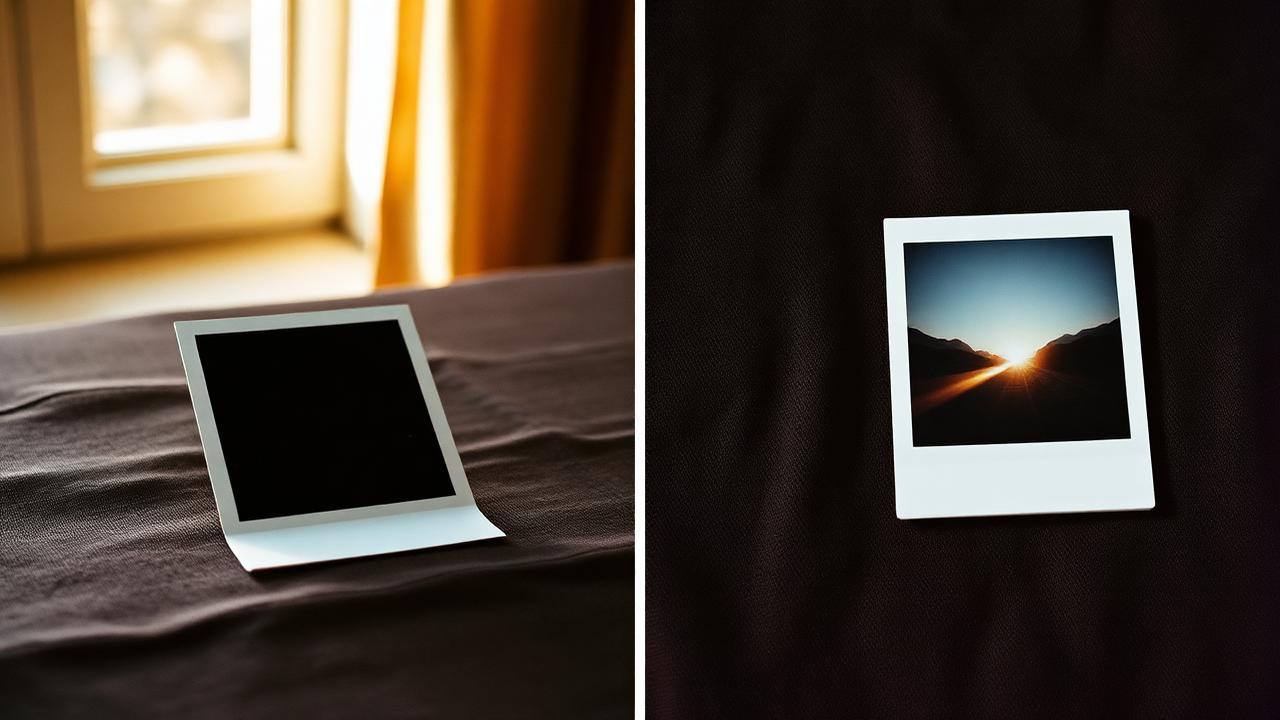
"Polaroid" and "Instax" get used interchangeably in casual conversation, but they are not the same thing — and the differences matter a lot the moment you try to design a photo card that mimics them. Get the border ratio wrong and the card stops reading as either format. Get the image aspect wrong and portraits end up cropped at the chin.
This guide breaks down both families, their physical sizes, their aspect ratios, and when each one actually flatters a given image. It is written for people making digital Polaroid-style or Instax-style cards, not for people buying real cameras — but the distinctions are the same either way.
The two families, briefly
Polaroid refers to the classic instant film originally introduced in the 1940s by Edwin Land, with the iconic square image area and a thick white bottom border. The format most people picture today is the i-Type / 600 / SX-70 family — all roughly the same outer dimensions, all with the fat bottom strip that once held the chemistry pod.
Instax is Fujifilm's instant film line, launched in 1998 and revived hard in the 2010s. It never tried to copy Polaroid's exact look. It comes in three sizes — Mini, Square, and Wide — each with a distinct aspect ratio and its own characteristic border layout. Instax borders are typically more balanced than Polaroid's; the bottom strip is thicker than the sides, but nowhere near as dramatic.
The actual sizes
Here are the numbers most people never bother to look up — but which determine how the digital version of each card should be exported:
- Polaroid (600 / i-Type / SX-70). Card is roughly 88×107 mm. Image area is ~79×79 mm — a square. The bottom border is noticeably thicker than the top and sides.
- Instax Mini. Card is 86×54 mm. Image area is 62×46 mm — a landscape-ish rectangle close to 4:3 but typically used in portrait. Thick bottom border.
- Instax Square. Card is 86×72 mm. Image area is 62×62 mm — a true square, similar in spirit to Polaroid but smaller and with cleaner borders.
- Instax Wide. Card is 108×86 mm. Image area is 99×62 mm — a wide landscape rectangle, roughly 8:5.
Aspect ratios that matter when exporting
If you are recreating these formats digitally, the image area's aspect ratio is what controls how the photo crops:
- Polaroid: 1:1 (square).
- Instax Mini: ~62:46, close to 4:3, typically portrait.
- Instax Square: 1:1 (square).
- Instax Wide: ~99:62, close to 16:10, landscape.
Polaroid and Instax Square look almost identical at a glance — the giveaway is the border ratio. Polaroid's bottom border is dramatically thicker than the side borders. Instax Square's borders are more balanced. Get that ratio wrong and the card stops reading as the format you wanted; it just looks like a generic square photo with a white frame.
When to use each
Format choice is mostly about what is in the frame:
- Polaroid. Best for portraits and single subjects centred in the frame. The thick bottom border invites a handwritten caption or date. Strong for film-style filters with grain.
- Instax Mini. Best for casual snapshots of one or two people, vertical orientation. Small format, so loses detail in busy scenes — keep the subject big in the frame.
- Instax Square. Best when you want a square but a cleaner, more modern card than a Polaroid. Works well for food, objects, and architectural details.
- Instax Wide. Best for landscapes, group photos, and any scene where horizontal space matters. The 16:10-ish ratio sits comfortably between a phone photo (3:4) and a cinematic crop (16:9).
Borders and captions
The thick bottom border is not just decoration. It is structurally where instant film puts the chemical pod, and culturally where people write the date and a one-line caption. If you are designing the digital version, leaving the bottom border tall enough to fit a handwritten note is worth the visual weight. A "Polaroid" with equal borders on all four sides reads as an Instagram frame, not as instant film.
Pure white is the default, but cream borders read more like aged photos, and black borders give the card a stronger, more graphic feel. Pick once and stay consistent across a set — mixing black and white borders in the same wall or feed reads as inconsistency, not variety.
Printing a digital Polaroid or Instax card
At 300 DPI, a Polaroid card needs about 1040×1264 pixels, Instax Square about 1016×850 px, Instax Mini about 638×1016 px, and Instax Wide about 1276×1016 px. FLASHFRAME's Polaroid and Instax makers export above these sizes so you can print on standard 10×15 cm paper and trim to size, or send them to a lab that supports custom sizes.
For 10×15 cm paper, the simplest approach is to design two cards side by side in a single export — most labs print the full sheet and you cut between them. That gives you two physical cards from one print, which is closer to how original instant film comes out in pairs anyway.
Common mistakes when faking either format
- Equal borders on a "Polaroid". The fat bottom border is the format. Skip it and the card just looks like a generic square with a frame.
- Portrait Instax Wide. Instax Wide is a horizontal format. Rotating it into portrait defeats the point — use Mini or Polaroid instead.
- Pure #FFFFFF borders. Real instant film borders are slightly off-white, faintly warm. A pure white border can look plasticky next to a warm photo.
- Drop shadows that float. Instant film sits flat. A heavy drop shadow suggests hover, not paper.
Picking the format in three questions
- Square image or rectangular? Square → Polaroid or Instax Square. Rectangular → Mini or Wide.
- Portrait or landscape rectangle? Portrait → Mini. Landscape → Wide.
- Want a heavy caption space at the bottom? Yes → Polaroid. Otherwise → Instax variant.
FAQ
Is Polaroid Go the same as SX-70? Same square aspect and same border proportions, at a smaller physical size. For digital rendering they are interchangeable.
Why do my Instax Mini shots always look cropped? Mini's image area is close to 4:3, which is narrower than a phone photo (typically 3:4 or 9:16). You are seeing the difference — export from the phone at 4:3 or leave more headroom when composing.
Can I mix Polaroid and Instax in a collage? Yes, but the difference in border style tends to fight visually. If you must mix, keep them in separate rows or clusters so the eye reads them as distinct groups rather than a mismatched grid.
What does "i-Type" mean? Polaroid i-Type film is the same size as 600 film but omits the built-in battery, because modern Polaroid cameras have their own rechargeable battery. Cheaper, same look.
Further reading
- Fujifilm's official Instax product pages list the exact card and image-area dimensions for Mini, Square, and Wide.
- Polaroid's own history pages document the SX-70 launch and the reason for the fat bottom border (the chemistry pod).
- FLASHFRAME's Polaroid frame styles guide goes deeper on the specific SX-70 / 600 / Spectra distinctions.
That is enough to pick the right format every time, without having to remember which Fujifilm cartridge code maps to which border ratio.