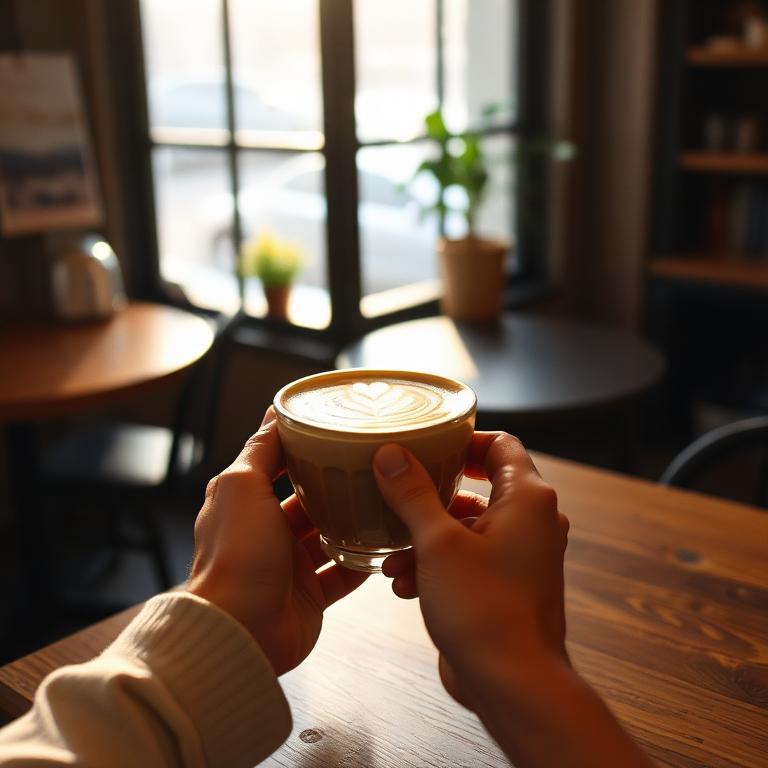
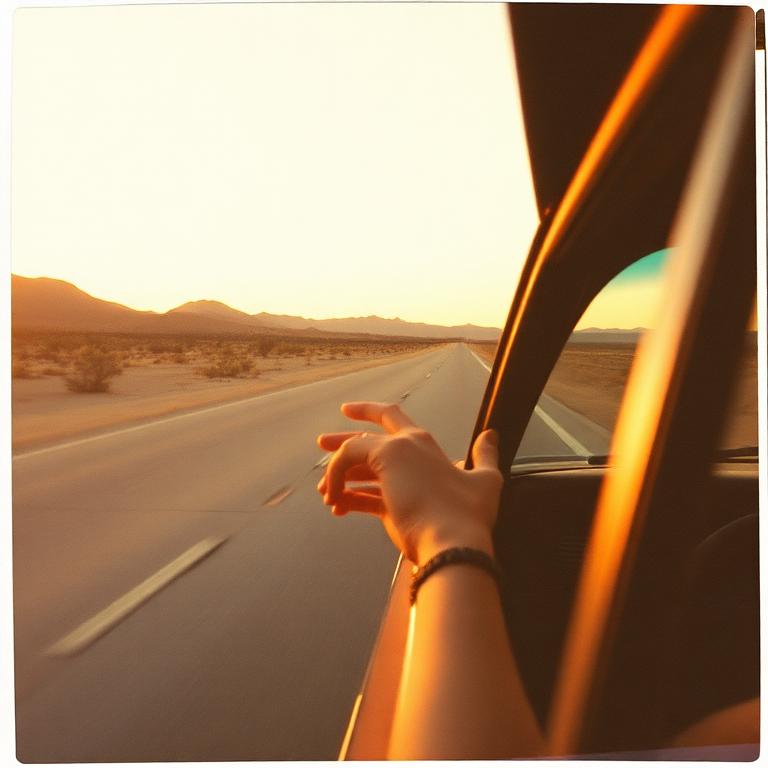
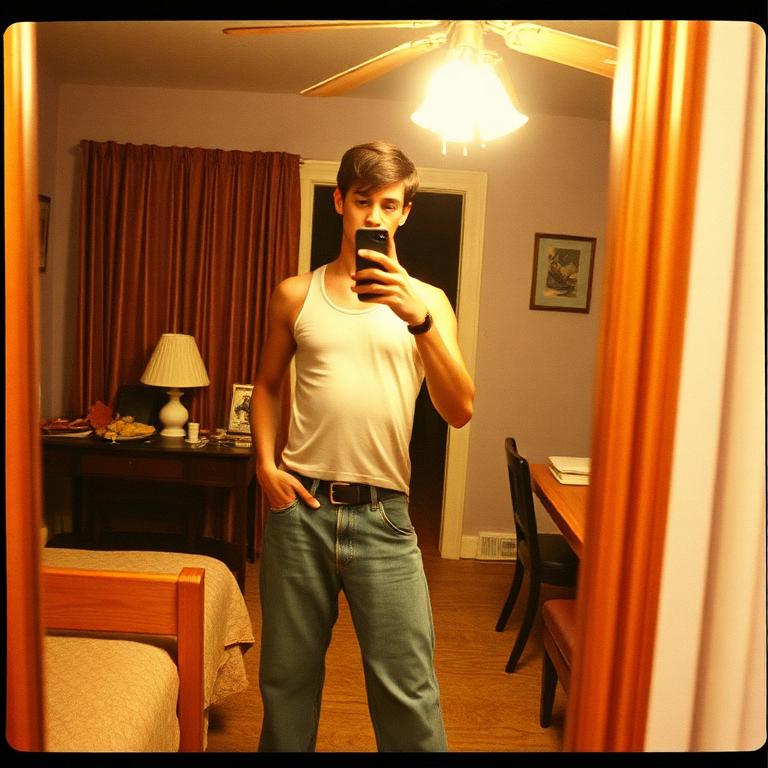
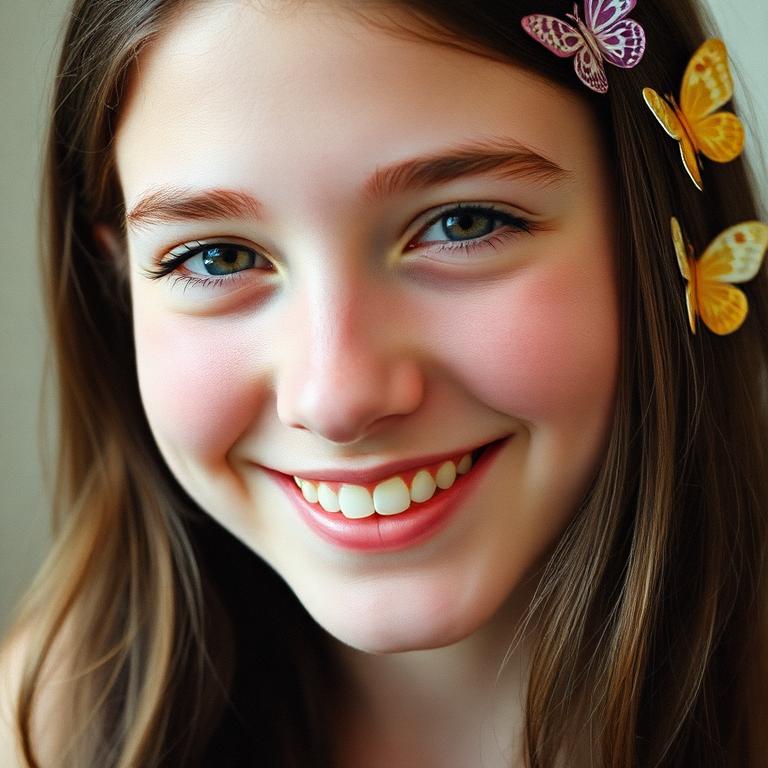
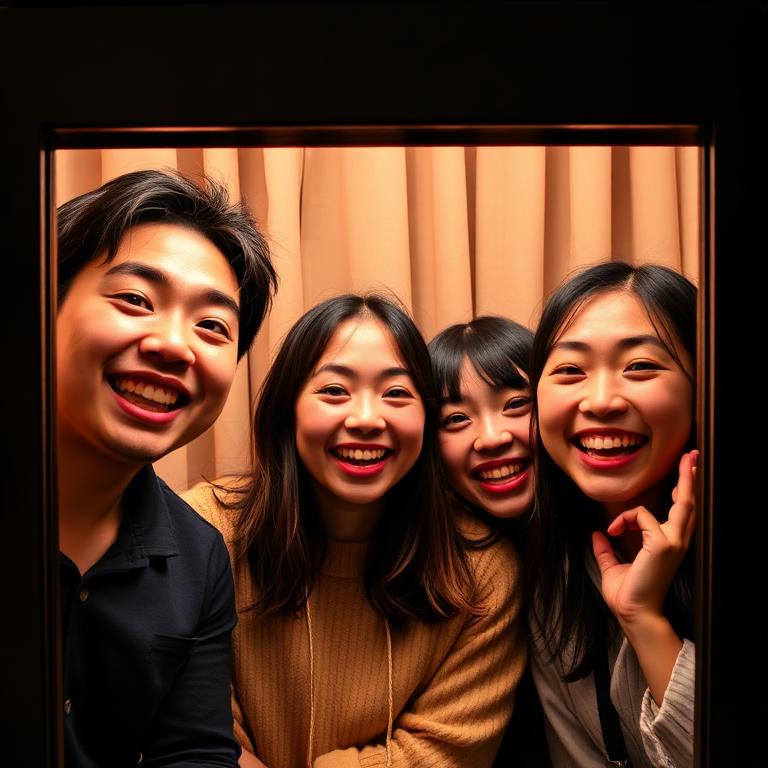
— Made for posting— Built for keeping— 18 film stocks— Burst photobooth— Story export— Animated GIFs
— Made for posting— Built for keeping— 18 film stocks— Burst photobooth— Story export— Animated GIFs
One app. Six tools.
THE COMPLETE KIT
FLASHFRAME is a complete photo toolkit — from shooting to posting to printing. Every core tool is free, runs in your browser, and never uploads your photos.
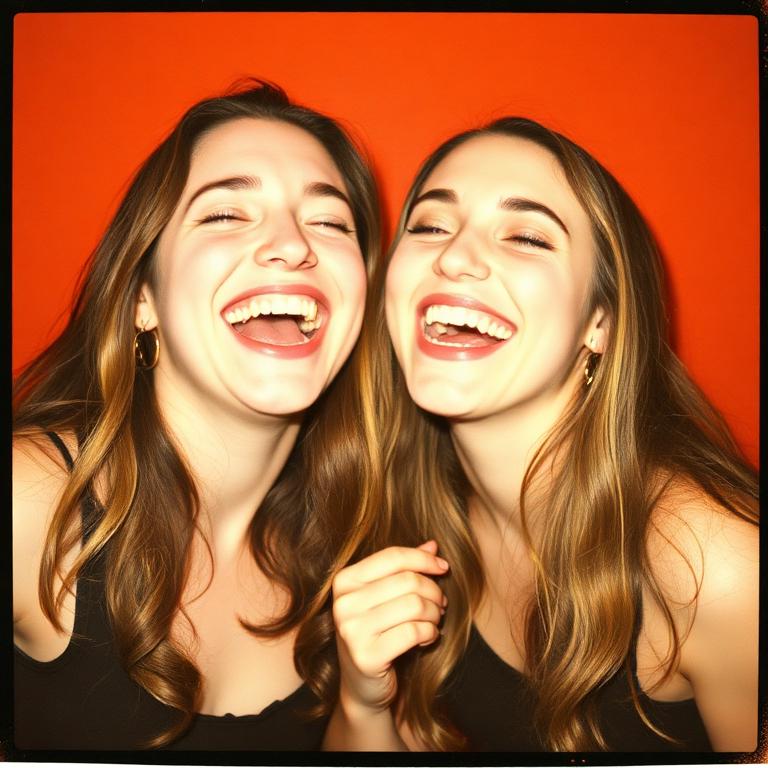
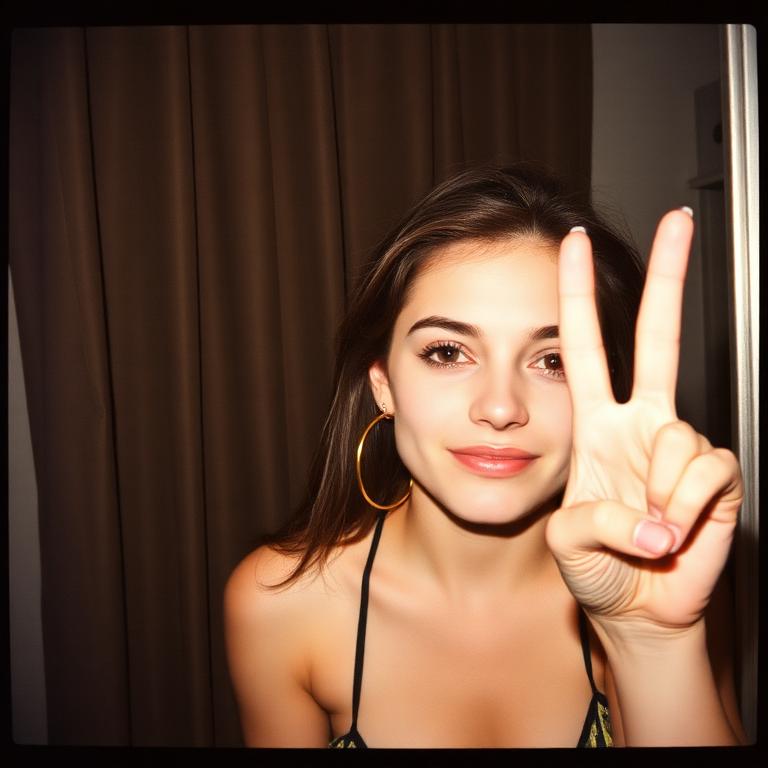
A real photobooth in your browser. Pick from 18 film looks — Fuji recipes, B&W stocks, CCD, disposable, VHS — set your burst (2, 3, 4 or 6 frames), and shoot. Strips render in cream paper, ready to share, save or print.
Drop a photo or shoot a new one. Four real frame types — Classic, SX-70, i-Type, Mini — five border colors, captions, date stamps and film looks. Exports as a print-ready polaroid, a 9:16 story, or a 4-up sheet for your photo printer.
Drop up to 12 photos and pick a layout — grid, scrapbook, magazine or pile. Tap any photo to swap it. Shuffle until it feels right. Captions, backgrounds and spacing controls included. Exports for Story 9:16, Square 1:1, A5 or print.
Real Instax proportions, made in your browser. Pick Mini (portrait), Square or Wide (landscape), then choose a border — white, cream, black, soft pink, mint or rainbow — and a film look. Exports as a print-ready Instax card, a 9:16 story or a 4-up sheet.
A growing library of pre-designed strips, stories and prints. Tap one, drop your photos in, edit the caption — done. Designed for moods (birthday, road trip, after dark, summer), formats (9:16, 1:1, 10×15) and platforms (IG, TikTok, print).
Drop any photo or strip and prep it for printing. Choose paper size — 10×15 cm, A4, A5, square — and toggle crop marks, cut lines and safe margins. Always 300 DPI. Built for photo labs, kiosks and your home printer.
Burst mode fires 2, 3, 4 or 6 frames with a real countdown.
03
Style it
Choose a frame, write a caption, add stamps.
04
Post or print
Export as strip, IG story, GIF — or print-ready 10×15 cm.
Sample outputs.
02 / 04
Examples of what FLASHFRAME produces — strips, polaroids and burst frames rendered directly in the browser.
01
02
03
04
05
06
07
08
09
010
Three exports.
03 / 04
One shoot, three formats. Pick whichever the moment calls for.
FLASHFRAME.APP× 3
friday, forever
01
02
03
a roll for keeping
ISO 400F2.83 FRAMES
Booth
Strip · JPG
FLASHFRAME.APP× 4
friday, forever
a roll for keeping
9:16·STORY
Story
9:16 · IG / TikTok
REC× 3
.GIF
1:1·LOOP
GIF
Animated · loop
The guide.
FIELD MANUAL
Four short lessons to get the most out of a browser photobooth — written by people who've shot a lot of bad photos so you don't have to. Read it once, keep shooting.
01
Get the lighting right
Soft, even light beats every filter. Face a window in the daytime, or turn your screen white and use it as a fill light at night. Avoid harsh overhead lamps — they cast raccoon shadows under the eyes. If you're outside after sunset, look for warm storefront windows, neon signs or string lights; FLASHFRAME's CCD and Disposable looks were tuned for exactly that mood.
02
Choose a film look on purpose
Each of the 18 stocks tells a different story. Fuji-style recipes (Classic Chrome, Nostalgic Negative) flatter skin in daylight. The B&W stocks add weight to portraits and architecture. CCD and VHS bring chunky highlights and that early-2000s digital-camera grain — perfect for night-out dumps. Disposable '03 is the safe bet when you can't decide: it forgives almost any lighting.
03
Pick the burst that matches the energy
Two frames is a diptych — great for a before/after or a couple. Three is the classic photobooth rhythm and the default for a reason: enough story, never too much. Four is for a full reaction arc (setup, peak, laugh, calm). Six is the wild one — best with friends moving through poses fast. The countdown gives you a beat to reset between frames.
04
Frame, caption, then export
Open the photostrip screen and try a few frames — Ink, Sakura, Y2K and Noir all change the personality of the same roll. Add a short caption (a date, a place, an inside joke) instead of a long sentence. For Instagram, pick Story and one of the four templates; for printing, choose 10×15 portrait if your strip is tall or 15×10 landscape if you shot wide. The GIF export loops your shots forever — ideal for chat reactions.
Questions.
FAQ
Everything people ask before their first shoot. If yours isn't here, write to hi@flashframe.app.
01Is FLASHFRAME really free?+
Yes. All the tools — photobooth, polaroid maker, instax maker, collage, print lab and all 18 film filters — are free with no account, no watermark and no upload. The project is supported by a small banner ad and an optional Buy Me a Coffee button. That's it.
02Do my photos get uploaded to a server?+
No. FLASHFRAME runs entirely in your browser using the WebCodecs and Canvas APIs. Your camera feed, the captured frames and the final exports never leave your device. Closing the tab discards them — which is also why you should download or share before you close.
03Which devices and browsers does it work on?+
Any modern browser with camera access: Safari on iOS 16+, Chrome and Edge on Android, plus Chrome, Safari, Firefox and Edge on macOS and Windows. For the best mobile experience, tap 'Add to home screen' from the landing page — FLASHFRAME opens fullscreen like a native app, with no browser chrome.
04Can I print my photo strips?+
Yes — that's a first-class export. Pick the 10×15 cm option (portrait or landscape) on the photostrip screen and you'll get a 300 DPI JPG sized for any standard photo lab, drugstore kiosk or home printer. It's the same format your local print shop uses for classic 4×6 inch prints.
05How do the Instagram story templates work?+
After your shoot, pick the Story format and choose one of four templates: Stack (scattered polaroids on a soft background), Dump (a magazine-style grid of all your shots), Mood (a hero photo with bold typography) or Minimal (a centered column). Each one is exported as a 9:16 JPG that drops straight into Instagram, TikTok or WhatsApp Status.
06What's the difference between Polaroid and Instax?+
Both are instant-print looks, but the proportions are different. Polaroid Maker recreates the classic square Polaroid card (Classic, SX-70, i-Type, Mini). Instax Maker recreates the Fujifilm Instax formats — Mini (portrait), Square and Wide (landscape) — with the iconic wide bottom border. Pick whichever shape fits the photo.
07Why are some filters named after specific cameras and film stocks?+
The looks are inspired by classic image-making tools — Fuji recipes, Kodak film stocks, late-90s CCD compacts, single-use disposables, VHS camcorders. None of the filters are official emulations or affiliated with those brands; they're our interpretations of the color science and grain that made each one iconic, rebuilt from scratch to run in a browser in real time.
Your next favorite photo is one tap away.
No accounts. No watermarks. Open the camera and shoot.